

Download Lobby – social platform, hangout, virtual hangout, video calls, music, video sharing, screen sharing, real-time interaction, social media, online community
Overview
Lobby is a social platform designed to facilitate real-time, interactive hangouts between friends and like-minded individuals. Developed by Lobby Universe Inc., the application aims to transform online communication by shifting the focus from text-based interactions to dynamic, video-driven experiences. Unlike traditional social media platforms that rely on posts, comments, and messaging, Lobby emphasizes continuous, engaging presence through group video calls and shared activities. The platform supports collaborative experiences such as synchronized music listening, video watching, and screen sharing, creating a more immersive and personal connection environment.
Target users include individuals seeking deeper, more spontaneous social interactions beyond conventional messaging. It is particularly suited for friends who want to stay connected in a relaxed, low-pressure setting, as well as users interested in exploring new ways to build online communities. The app’s design encourages presence and participation, with real-time notifications when friends are online, fostering spontaneous meetups. While the platform is currently limited to mobile devices, its core functionality supports a variety of social use cases, from casual check-ins to coordinated entertainment sessions.
The developer did not provide additional details about the company’s background or prior projects. Platform compatibility information is limited to mobile devices. No specific system requirements were listed. The app operates as a free tool with no in-app purchases mentioned.
Key Features & Capabilities
- Group Video Calls – Enable real-time face-to-face interactions with multiple participants, supporting natural conversation flow and visual engagement.
- Synchronized Music Listening – Allow users to play the same song simultaneously across devices, creating a shared auditory experience.
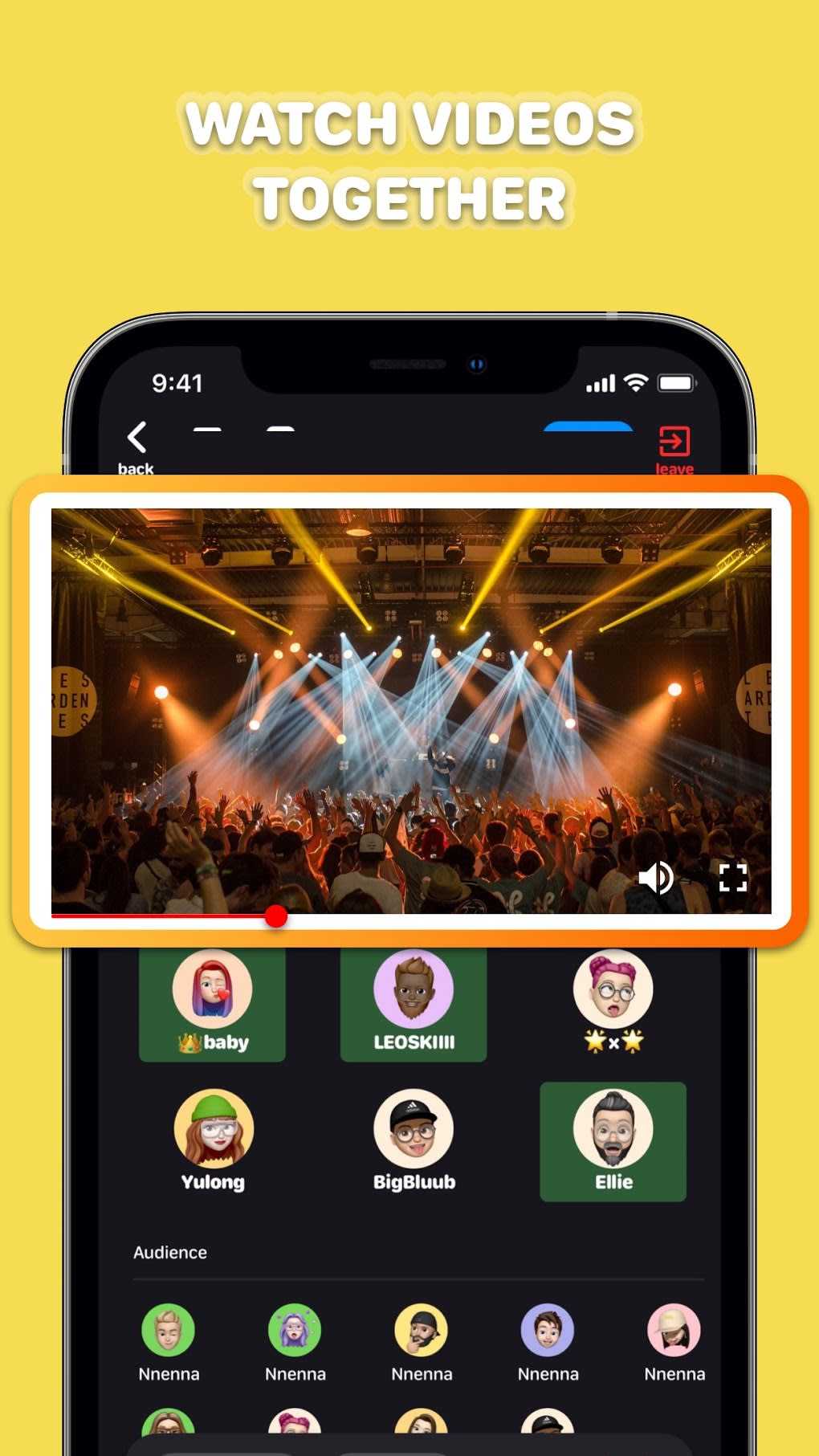
- Video Sharing & Watching – Facilitate collective viewing of videos, with synchronized playback and real-time reactions.
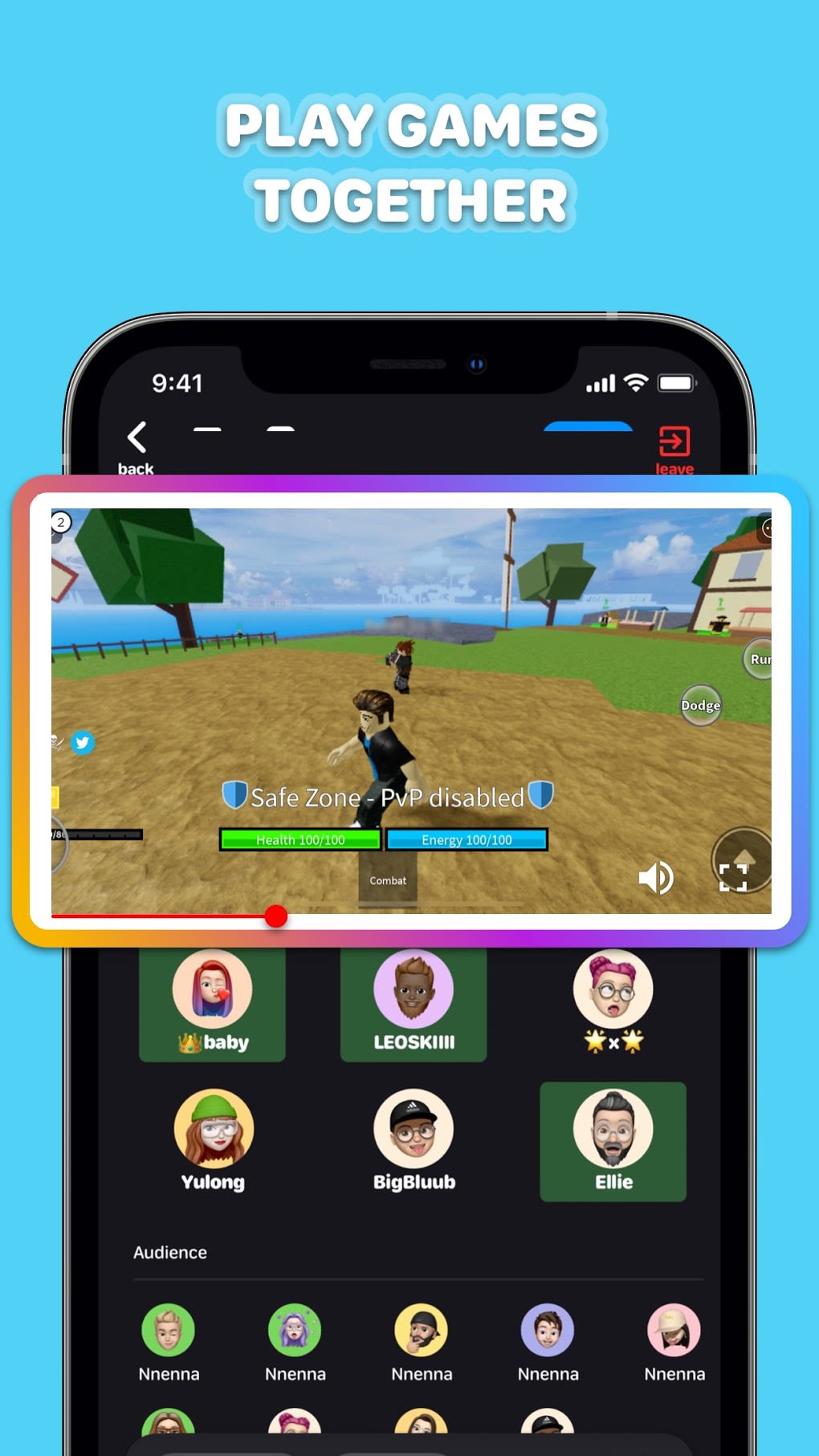
- Screen Sharing – Let users share their device screen during a session, useful for showing content, playing games, or demonstrating apps.
- Real-Time Presence Notifications – Notify users when friends are online and available for instant hangouts, encouraging spontaneous interaction.
- Bluetooth Integration – Support pairing with Bluetooth devices for enhanced audio or peripheral connectivity during sessions.
These features collectively support a more engaging alternative to standard messaging. For example, friends can start a video call, simultaneously play a playlist, and watch a movie together, all within a single interface. Screen sharing allows for collaborative tasks, such as planning a trip or reviewing a photo album. The absence of text-based communication encourages users to prioritize presence and interaction, fostering stronger social bonds. The platform’s structure is ideal for users who value immediacy and shared experiences over asynchronous updates.
User Interface, Workflow & Performance
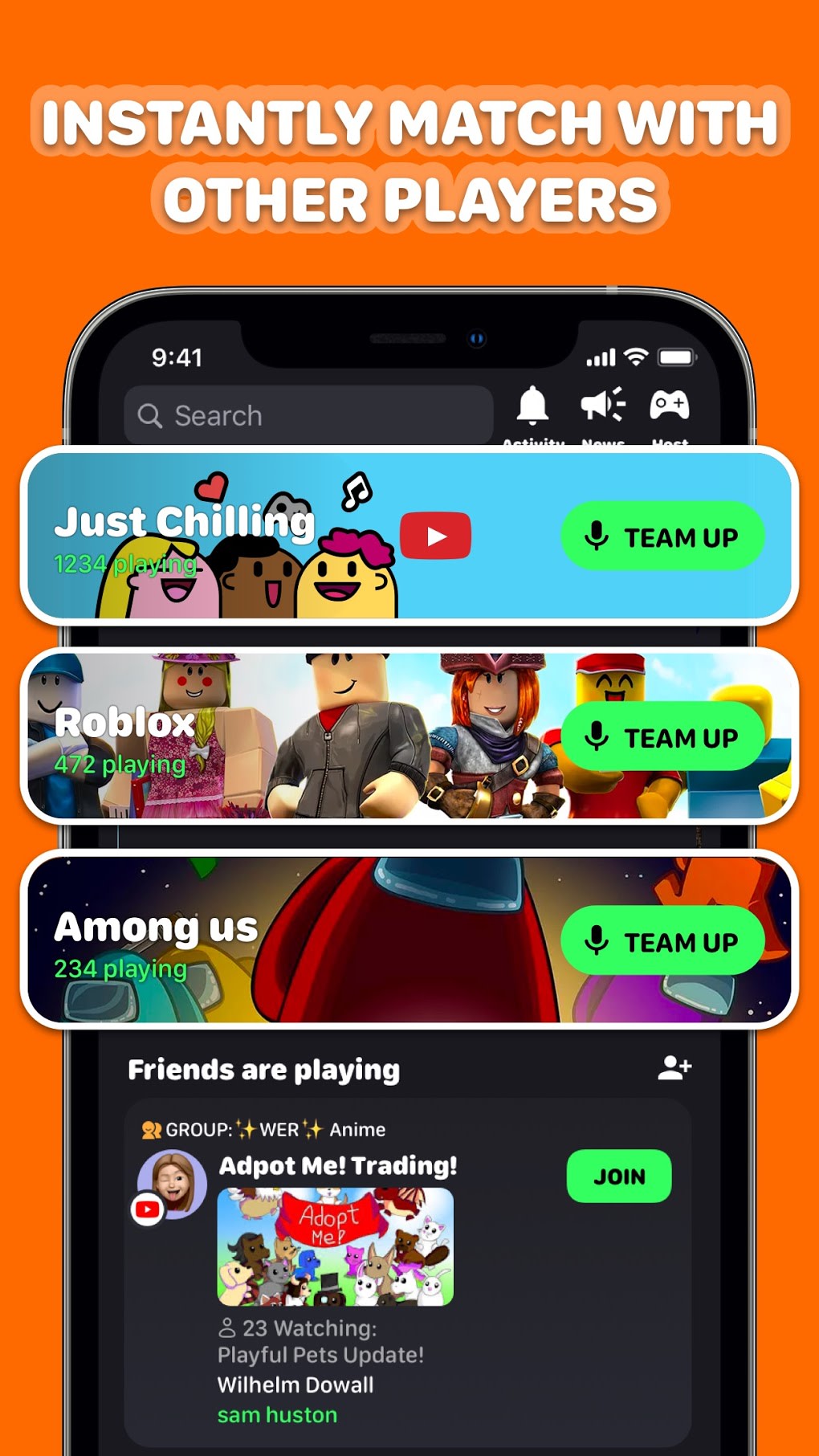
The user interface of Lobby is designed with simplicity and immediacy in mind, prioritizing visual cues and intuitive navigation. The main screen likely features a grid layout for active video calls, with options to join or initiate sessions clearly displayed. Navigation appears to be streamlined, with minimal menu layers, reducing friction during session setup. The workflow supports quick access to key functions—starting a call, sharing media, or inviting friends—without requiring multiple steps.
Performance observations are based on general software behavior patterns. The app is reported to function reliably, with no significant stability issues noted in the provided information. However, the developer did not specify resource usage details, such as CPU or RAM consumption. Users may experience varying performance depending on device capabilities and network conditions. Connection issues during login and Bluetooth pairing were mentioned as potential concerns, suggesting that some users may encounter intermittent problems in specific environments.
Overall, the workflow emphasizes ease of use and immediate access to social features. The lack of text messaging reduces cognitive load, encouraging users to engage through video and shared activities. The interface appears optimized for mobile touch interactions, with responsive controls and visual feedback during actions.
Compatibility & System Requirements
Lobby is designed for mobile devices, though the specific operating systems or device models were not listed. The application has a file size of 100MB, which is typical for feature-rich mobile apps with multimedia capabilities. No exact system requirements were provided, and compatibility information is limited to the general category of mobile platforms.
The developer did not specify minimum hardware requirements such as processor speed, RAM, or storage space. Users should ensure their device supports the necessary multimedia functions, including camera access, microphone input, and network connectivity. Performance may vary based on device age, operating system version, and background app activity. The app is available as a free download, with no pricing details beyond that.
Pros and Cons
Pros
- Free to download and use with no in-app purchases mentioned
- Encourages real-time, interactive social engagement over passive messaging
- Supports synchronized music and video playback for shared entertainment
- Intuitive interface designed for quick access to social features
- Real-time presence notifications help maintain spontaneous connections
- Screen sharing and Bluetooth integration enhance session flexibility
Cons
- Connection issues reported during login and Bluetooth pairing
- Limited to mobile devices; no desktop or tablet support available
- Exact system requirements and performance data not provided
- Platform compatibility information is partially provided
- May not suit users who prefer text-based or asynchronous communication
FAQ Section
Is Lobby available for desktop or tablet devices?
Lobby is currently designed for mobile devices only. No desktop or tablet versions were mentioned in the provided information.
Is Lobby safe to use? Does it collect user data?
The developer did not provide specific details about data privacy or security practices. Users should review the app’s privacy policy and permissions before installation.
How often does Lobby receive updates?
Update frequency was not specified. The latest version available is 2.1.4, released on May 15, 2024.
What type of license does Lobby use?
Lobby is offered as a free application with no licensing details provided. It does not appear to require a paid subscription or activation key.
Can I use Lobby offline?
Lobby requires an active internet connection to function. Offline usage is not supported, as all features depend on real-time connectivity and cloud-based synchronization.
Final Thoughts + CTA
Lobby presents a refreshing take on digital social interaction by prioritizing presence, shared experiences, and real-time engagement. Its focus on video calls, synchronized media playback, and screen sharing creates a vibrant, interactive environment that goes beyond traditional messaging. While the app is currently limited to mobile platforms and has reported connection issues in certain scenarios, its core functionality remains reliable and intuitive.
It is best suited for users who value spontaneous, face-to-face interactions and enjoy collaborative entertainment. Whether reconnecting with old friends or forming new connections through shared activities, Lobby offers a compelling alternative to standard social media. With its free model and emphasis on real-time interaction, it stands out as a modern, user-centric platform.
Download Lobby now





.png)

